How to Add Licenses - for Beetexting + RingCentral Accounts
Adding licenses to your Beetexting + RingCentral integrated account is simple, and can be accomplished within your RingCentral Admin Portal. Here's how:
1. Log in to your RingCentral Admin Portal.
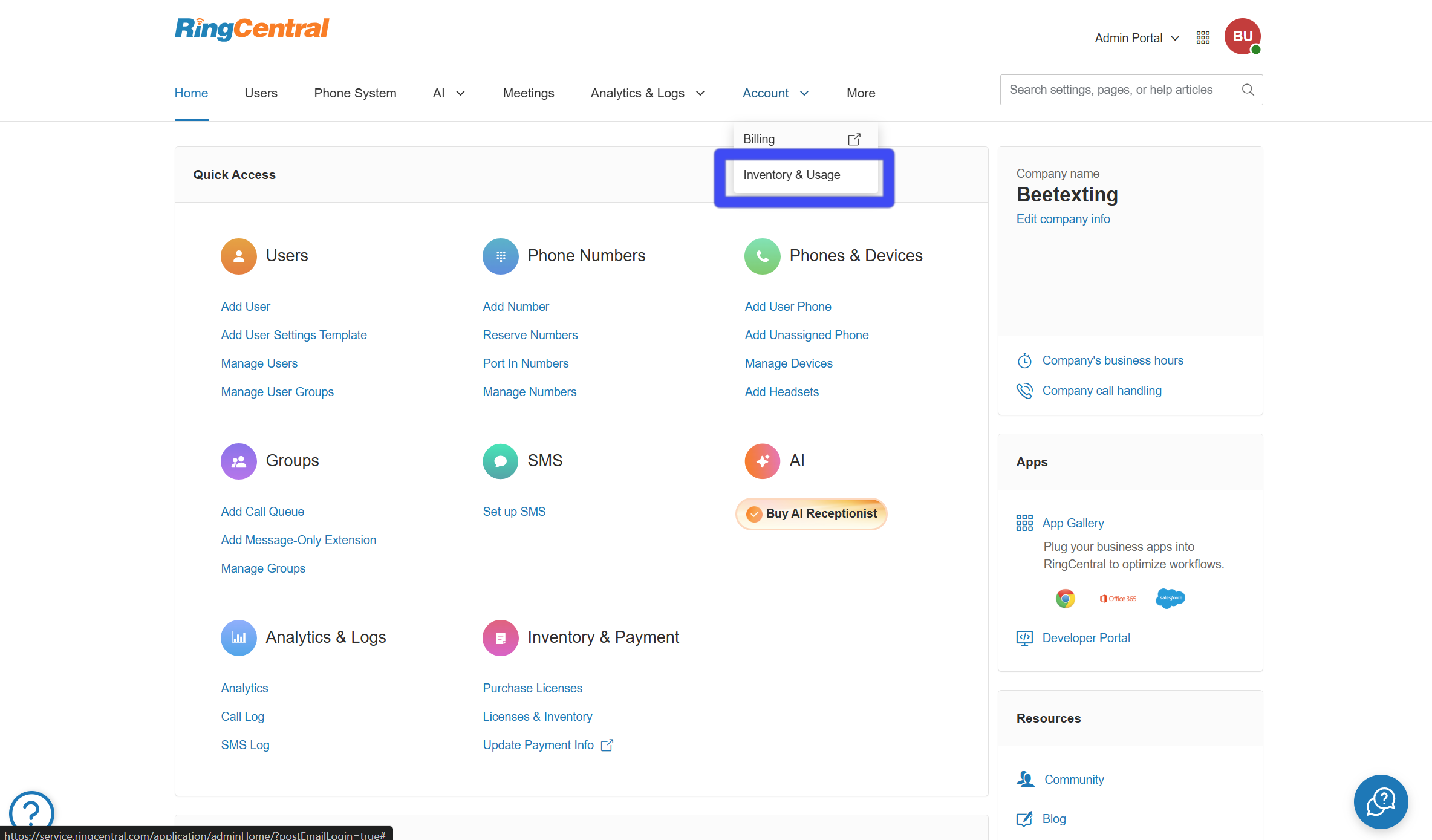
2. Select Account from the top menu, then select Inventory & Usage.
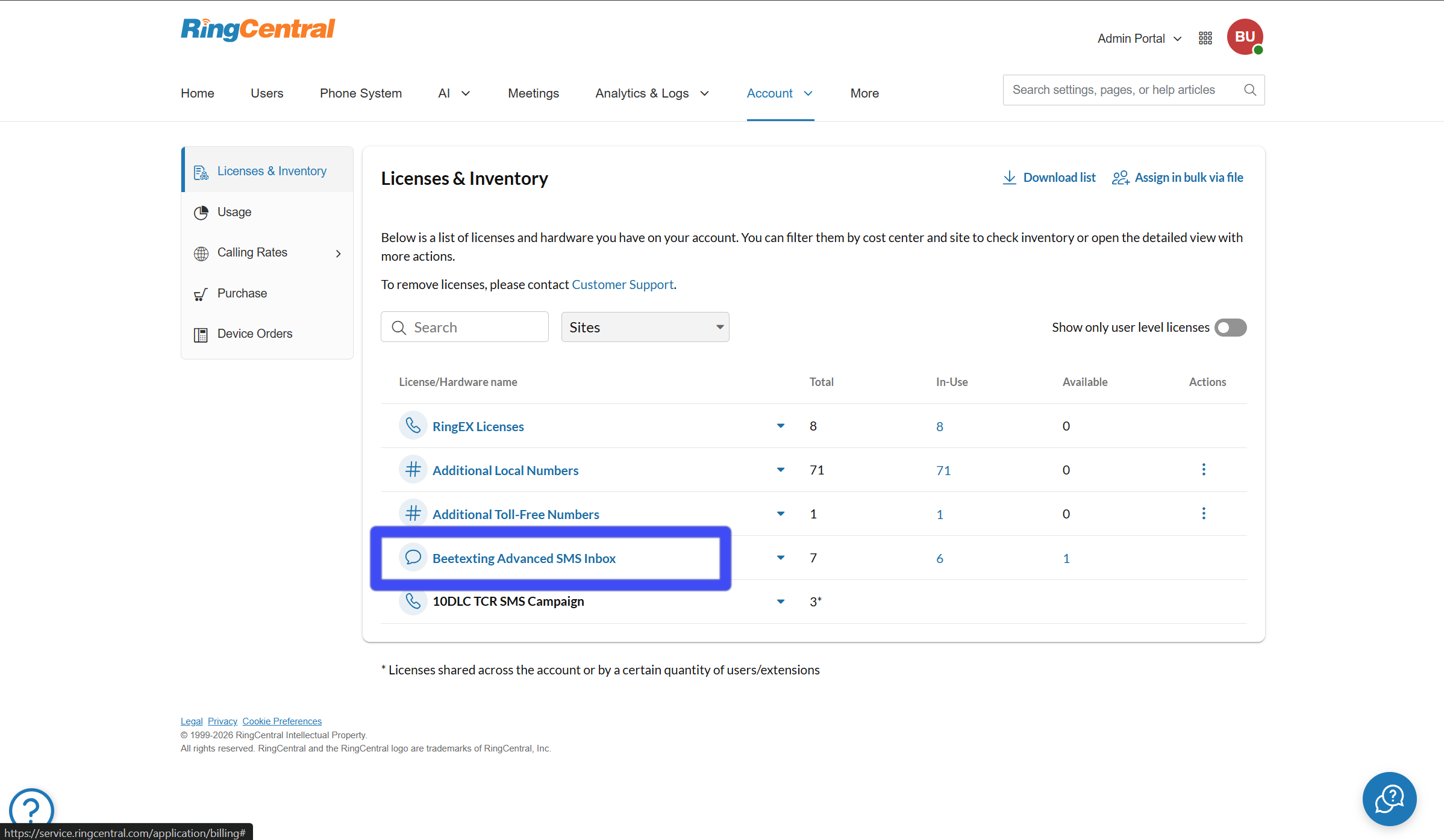
3. Select the option for Beetexting Advanced SMS Inbox.
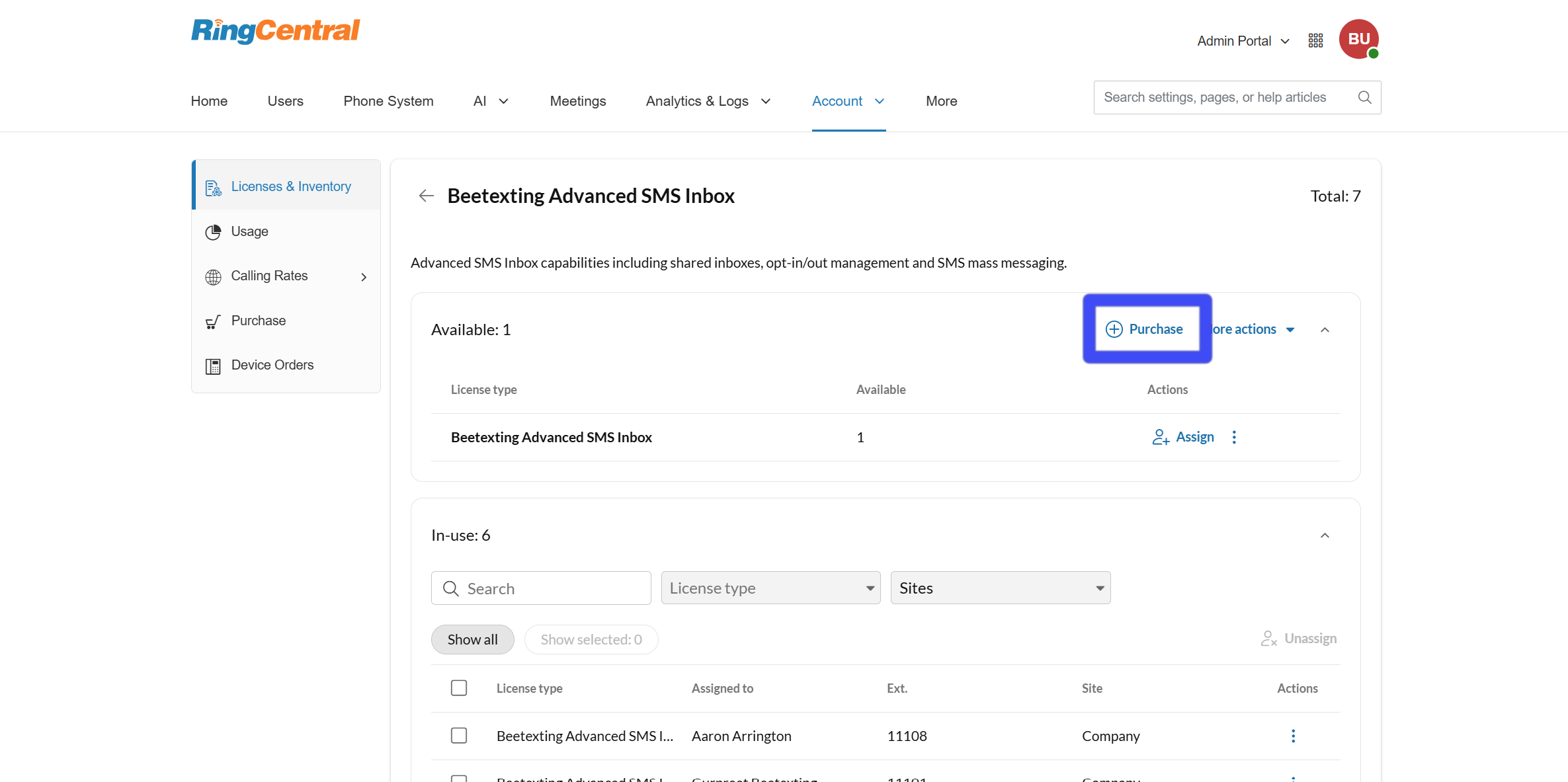
4. Select the Purchase option.
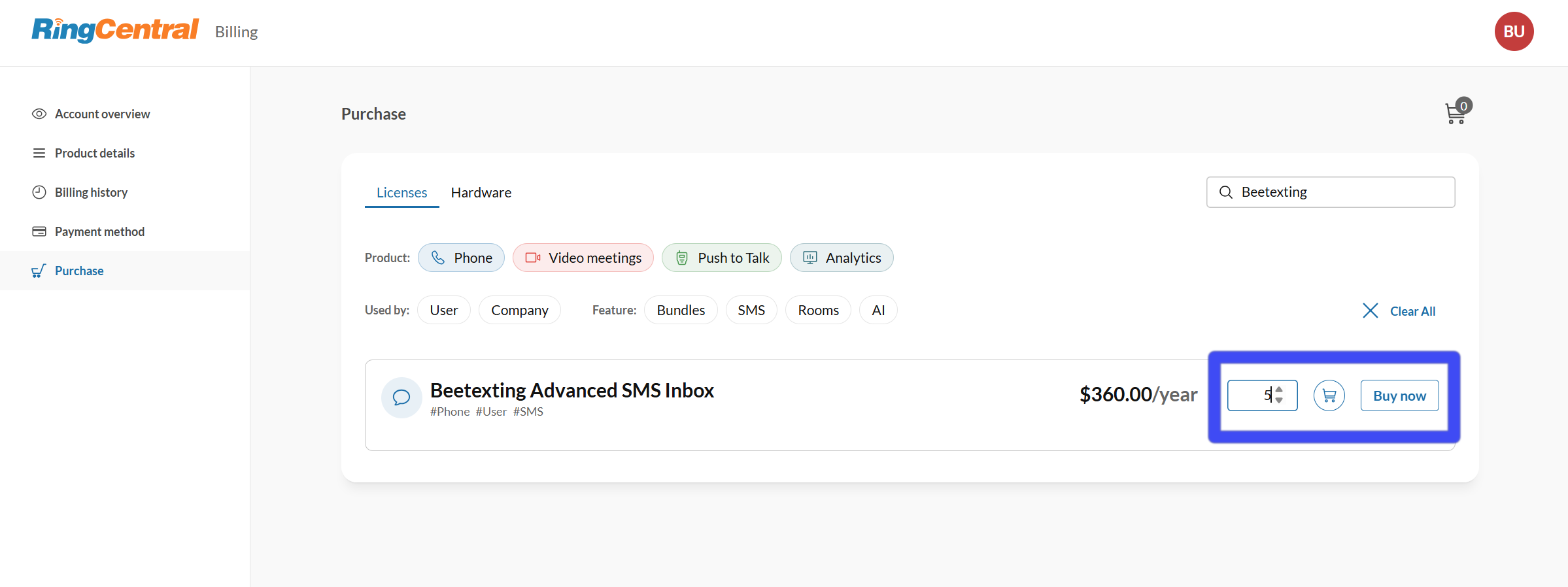
5. A new window will open. Find the search bar, then Search for Beetexting Advanced SMS Inbox.
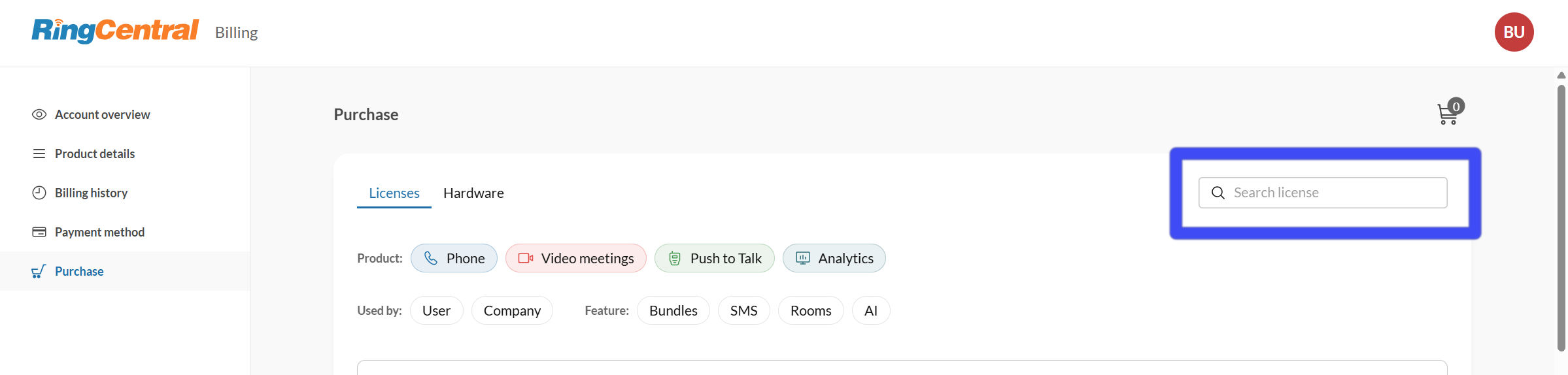
6. Enter the number of licenses you'd like to add and select Buy Now. Follow the on-screen instructions to complete payment for your new licenses. NOTE: The initial price displayed during license selection is a standard reference price. Your final billing details—including any account-specific pricing—will be shown on the confirmation screen before you approve the purchase.